
What is a PLC (programmable logic controller), how it works and what types there are
Automation · PLC
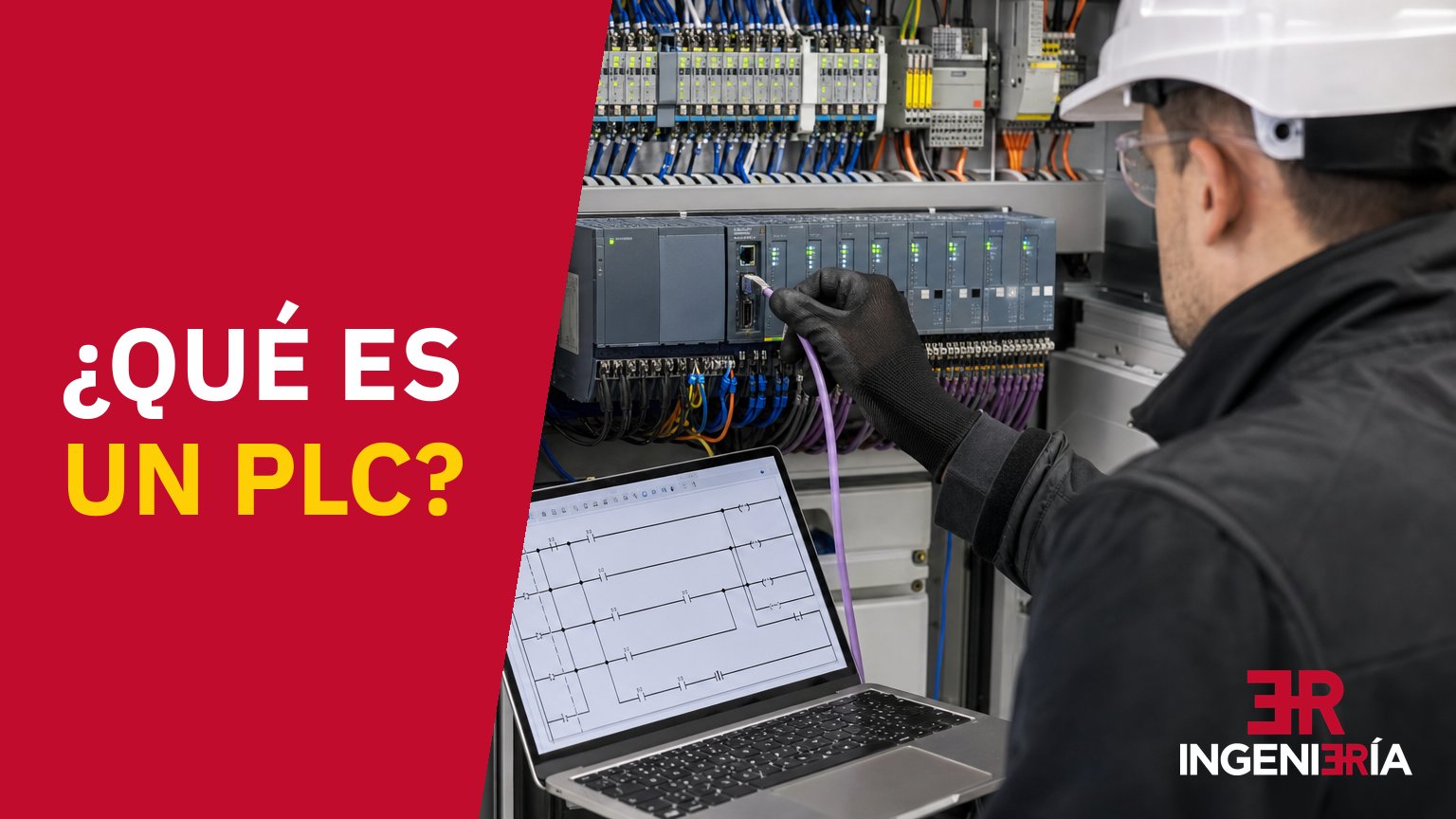
A PLC (Programmable Logic Controller), also known simply as a programmable controller, is an industrial electronic device that controls a machine or a process automatically. It reads the signals coming in from the field, runs the program loaded into it and, depending on the result, starts motors, opens valves, drives pumps or triggers alarms. It is a specialised computer [1], built to live inside an electrical cabinet amid dust, vibration and temperature swings, and to repeat that job non-stop many times a second.
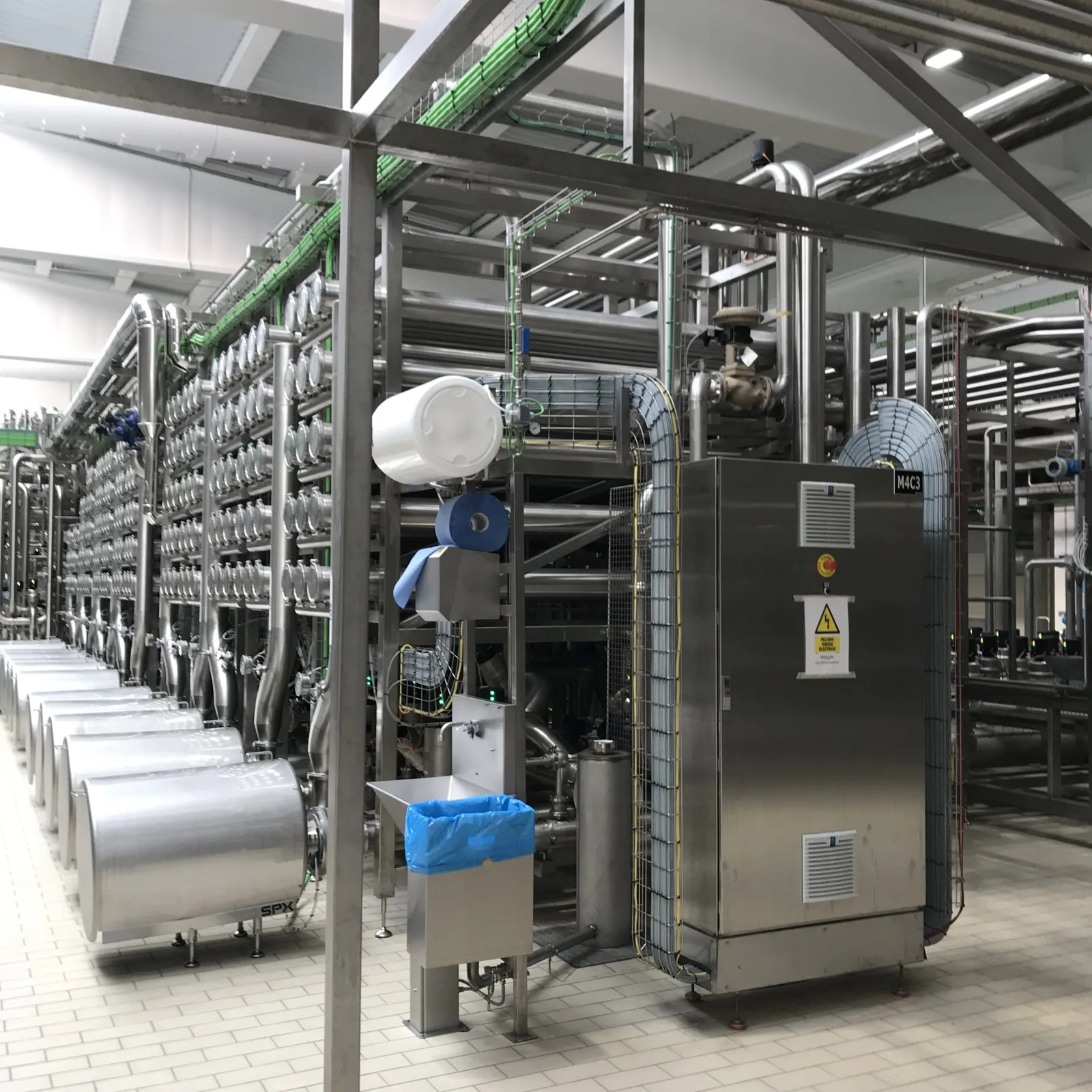
At ER Ingeniería we have been doing electrical and control engineering in Villarrobledo (Albacete, Spain) since 1981 and we have automated 45 agri-food factories. That is where the examples in this article come from.
Don't mix them up: in computing, PLC also stands for Power Line Communications, the adapters that carry the internet over the mains sockets at home. Here we are talking about the industrial controller.
On this page
- What a PLC does in a factory
- How it works: the scan cycle
- Parts of a PLC
- Types of PLC
- How it is programmed: the IEC 61131-3 standard
- An example: starting and stopping a motor
- Where the PLC comes from
- PLC vs relays and vs an industrial PC
- Common brands and ranges
- When automating with a PLC pays off
- A connected PLC needs protecting
- How we run a PLC project
- Frequently asked questions
- Sources
What a PLC does in a factory
A PLC does five jobs, almost always at the same time:
- Running the sequences: filling, mixing, heating, cooling, discharging and cleaning in the right order and with the right timings.
- Dosing and weighing, opening a valve, a screw conveyor or a pump until the recipe setpoint is reached, within its tolerance.
- Maintaining the interlocks that stop a pump from starting without level or the valve on the wrong tank from opening.
- Detecting faults, showing where they are and keeping a record for maintenance.
- Passing data to the operator screens (HMI), the SCADA system, the drives and the management software.
A typical scenario in a feed mill: the operator selects the recipe and the PLC does the rest. It decides which silo to discharge, opens the gate and starts the screw conveyor until the scale shows the weight of the ingredient; then it stops it, closes the gate and moves on to the next one. If anything takes longer than it should, it stops the line and raises an alert. How this is set up across an entire plant is covered in feed mill automation and, for wineries, in winery automation.
How a PLC works: the scan cycle
A PLC does not react to each signal the instant it changes. It works in passes, in a loop called the scan cycle (or program scan) that repeats for as long as the CPU is running. In the classic model, each pass has four steps:
- It reads the inputs. It copies the state of all of them in one go into an area of memory, the process image: push buttons, limit switches and detectors, plus the temperature, pressure or weight values.
- It runs the program. It works through the logic from top to bottom using that frozen snapshot of the inputs: conditions, timers, counters, calculations and alarms.
- It writes the outputs. It sends everything it has decided in one go to contactors, solenoid valves, pilot lights and drive setpoints.
- It communicates and checks itself. It services the screen, the SCADA system and the network, checks its own status and starts another pass.
Rockwell Automation's Logix 5000 controllers, for example, depart from that model: they update inputs and outputs at a configurable interval, independently of program execution, and an input can change mid-pass. If the logic needs a value to stay fixed for the whole pass, the manufacturer's manual says to copy it to another tag at the start and work with the copy [2].
The cycle explains three things you see on the plant floor. A signal shorter than one pass can go by without the program noticing: that is why encoders and pulse flow meters go to high-speed inputs or hardware counters. If the program hangs and a pass takes too long, an internal monitor (watchdog) stops the CPU before it carries on controlling the machine with stale data. And what the outputs do when the CPU goes to STOP, switch off or hold their last value, is configurable: it is better to decide this during the project than to find out on the day of the breakdown.
Parts of a PLC
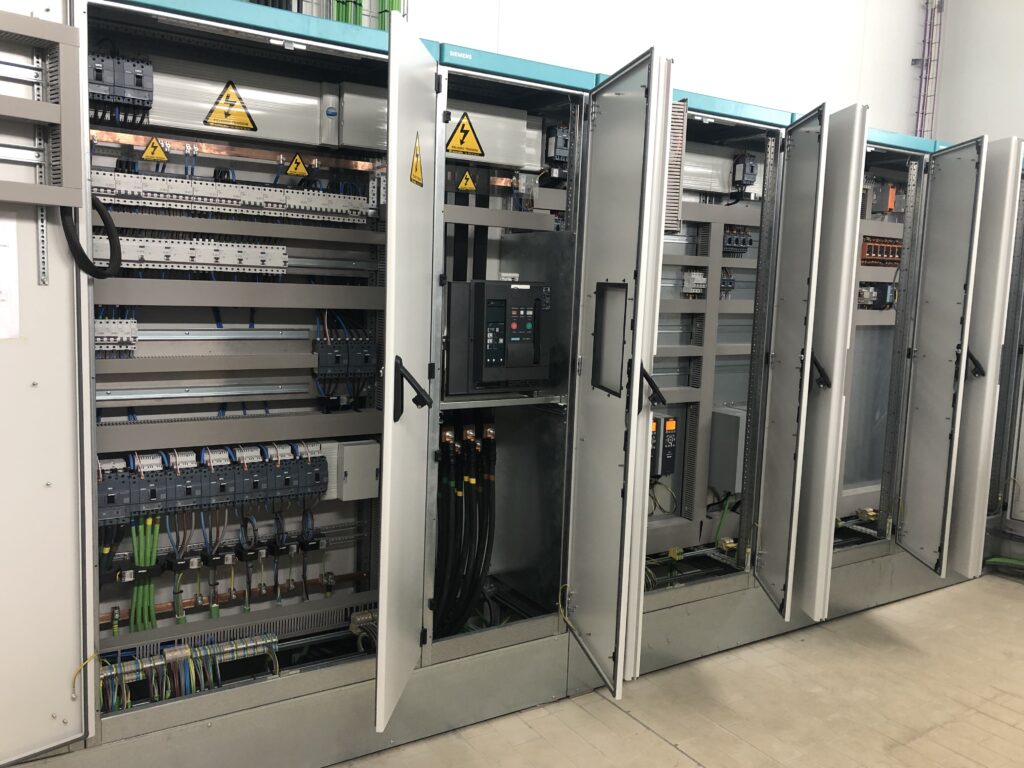
Compact or modular, a PLC always has the same parts. The CPU runs the program and manages the rest [1].
| Part | What it does | Plant example |
|---|---|---|
| CPU | Runs the program and manages memory, communications and diagnostics. | The logic of a dosing line. |
| Power supply | Supplies stable voltage to the CPU and the modules, usually 24 V DC. | Powers the CPU, the cards and most of the sensors. |
| Digital inputs | Receive on/off signals. | Push buttons, limit switches, pressure switches, level detectors. |
| Digital outputs | Switch an element on or off. | Contactors, relays, solenoid valves, pilot lights. |
| Analogue inputs | Read a continuous value, usually 4-20 mA or 0-10 V. | Temperature, weight, pressure, flow, humidity. |
| Analogue outputs | Send a variable setpoint. | Speed to a drive, position of a proportional valve. |
| Communications | Connect the PLC to the industrial network and to other equipment. | PROFINET, EtherNet/IP, Modbus TCP, PROFIBUS, IO-Link. |
| Memory | Stores the program, data, recipes and parameters. | Setpoints, counters, alarm log. |
The part that causes the most trouble isn't in the table: the wiring between the cards and the field, and its documentation. A PLC with an up-to-date signal list can be diagnosed by looking at a drawing; one without it forces you to trace cables with a multimeter.
Types of PLC
The classic classification distinguishes three types by how they are built: compact, modular and rack-mounted. Omron, for example, presents its CP2E, CP1L and CP1H families as compact and the CJ2 as modular [1]. By function, others are added:
| Type | Design | Where it fits |
|---|---|---|
| Compact | CPU, inputs, outputs and power supply in a single box. | Small machines and control systems with few signals. |
| Modular | CPU, power supply and cards mounted and expanded separately on a DIN rail. | The usual choice for processes and for lines that are going to grow. |
| Rack-mounted | Modules plugged into a chassis with a backplane. | Large plants with many signals and centralised panels. |
| Safety | CPU and cards with built-in diagnostics and redundancy. | Emergency stops, light curtains, interlocked doors. |
| Redundant | Two CPUs: if one fails, the other carries on without stopping the process. | Processes where a stoppage is very costly or dangerous. |
| Soft PLC | Control runs as a program on an industrial PC. | Architectures with heavy computing, with careful study of availability and cybersecurity. |
A safety PLC only plays its part within a complete functional safety design, with its own risk assessment and validation.
How a PLC is programmed: the IEC 61131-3 languages
The standard that governs PLC programming is IEC 61131-3. Its fourth edition, of 22 May 2025, defines one text language, structured text (ST), and two graphical ones: ladder diagram (LD) and function block diagram (FBD). It also includes the elements of the sequential function chart (SFC), which are used to organise the program in steps [3]. The third edition, from 2013, had one more, instruction list (IL) [4], which the 2025 publication summary no longer lists [3].
| Language | Type | Best suited to |
|---|---|---|
| LD, ladder diagram (ladder logic) | Graphical | Control circuits, interlocks and on/off logic. The one an electrician reads most easily. |
| FBD, function block diagram | Graphical | Analogue signals, PID controllers and repeated blocks. |
| ST, structured text | Text | Calculations, recipes, data handling and complex logic. |
| SFC, sequential function chart | Structure | Step-based processes: filling, mixing, discharging, cleaning. |
| IL, instruction list | Text | The summary of the 2025 edition no longer lists it [3]. It appears in older programs that have to be maintained or migrated. |
Each manufacturer has its own environment (TIA Portal for Siemens, Studio 5000 or Connected Components Workbench for Rockwell Automation, Sysmac Studio for Omron…) and many brands use CODESYS. They all start from the standard and add their own extensions, which is why a program doesn't move from one brand to another by copy and paste.
Whatever the language, a good program is divided into reusable blocks, one per type of motor, valve or scale. Alarms are written for whoever will read them at three in the morning, and in a food plant every operation leaves the data that traceability requires.
A simple example: starting and stopping a motor in ladder logic
It is the first program any technician writes: a motor with a start push button, a stop push button and a thermal overload relay. Press start and the motor starts and keeps running even when the button is released; press stop, or if the overload trips, and it stops. In ladder diagram it is a single line, one rung of the ladder, with the conditions on the left and the output on the right:
| Rung element | How it is wired in the field | What it does in the logic |
|---|---|---|
| START contact | Normally open push button. | Gives the start command while pressed. |
| MOTOR contact, in parallel with START | No wire: it is the output itself, read from memory. | Latching (seal-in): keeps the motor running when the push button is released. |
| STOP contact, in series | Normally closed push button: the input is at 1 at rest. | In the program it is a normally open contact, which conducts while the input is at 1. Pressing the button drops the input to 0 and breaks the line; if the wire breaks, the same thing happens and the motor also stops. |
| OVERLOAD contact, in series | Normally closed auxiliary contact of the thermal overload relay. | It is also a normally open contact: if there is an overload, the input drops to 0 and the motor stops. The alarm is programmed in another rung. |
| MOTOR coil | Digital output to the contactor coil. | Starts the motor when the whole line conducts. |
Having the stop drawn open in the program and closed in the field is confusing at first: the program looks at the state of the input, not of the push button. With the stop button wired normally open, a cut wire would leave the motor with no way of being stopped from there; wired closed, a wire fault causes a stop, which is the safe side. The emergency stop mushroom button, on the other hand, is not entrusted to this logic: it goes through a safety relay or a safety PLC that cuts the control circuit even if the main CPU fails.
Where the PLC comes from: from relay cabinets to the Modicon 084
Until the late sixties, machine logic lived in relay cabinets, and changing a sequence meant rewiring. In 1968 General Motors' Hydra-Matic division asked for a solid-state controller, as flexible as a computer but priced to compete with relays. It had to withstand the factory environment, be modular and be programmed with the ladder logic its electricians already knew [5]. That is why the ladder diagram in the previous example looks so much like an electrical schematic.
The answer came from Bedford Associates, the team led by Dick Morley, who is regarded as the father of the PLC: the Modicon 084, so named because it was their prototype number 84. Morley later founded Modicon to market it [5]. The idea remains intact: change how a machine works by rewriting the program, without touching the wiring.
PLC vs relays and vs an industrial PC
| Relay logic | PLC | Industrial PC | |
|---|---|---|---|
| Where the logic is | In the cabinet wiring. | In a program that runs in a cycle. | In software, on an operating system. |
| Changing how it works | Rewire. | Modify and download the program, sometimes with the machine running. | Modify the software. |
| Response | Fast, but only for simple logic. | Deterministic: the cycle repeats within a bounded, monitored time. | Depends on the operating system and the load; for control it needs real-time capability. |
| Environment | Copes well, with contact wear. | Built for the cabinet: temperature, vibration, electrical noise. | In industrial versions, still more delicate than a PLC. |
| Where it fits | Very simple control systems that are not going to change. | Machine and process control. | Visualisation, data, machine vision, heavy computing. |
Within a plant, the PLC controls at machine level, the screen (HMI) lets operators run one area and the SCADA system supervises the whole plant from one workstation, with mimic diagrams, historical data and alarms from all the PLCs. A SCADA system needs field controllers underneath it: PLCs, remote terminal units (RTUs) or both, especially when the installation is spread over several sites [6]. A PLC, on the other hand, can work without SCADA. We explain this in our guide to SCADA systems, and the typical problems in the link between the two in PLC–SCADA communication failures. One level up, our SuitER industrial software collects data from the PLCs for production control, traceability and energy management.
Common PLC brands and ranges
We know of no public market-share statistics for Spain that can be cited, so we don't give percentages: these are the ones we come across most often in plants.
| Manufacturer | Compact range | Modular or process range | Programming environment |
|---|---|---|---|
| Siemens | SIMATIC S7-1200 | SIMATIC S7-1500 | TIA Portal |
| Rockwell Automation (Allen-Bradley) | Micro800 | CompactLogix and ControlLogix | Connected Components Workbench (Micro800) [7] and Studio 5000 (CompactLogix and ControlLogix) |
| Schneider Electric | Modicon M221 | Modicon M340 and M580 | EcoStruxure Machine Expert Basic (M221) and EcoStruxure Control Expert (M340 and M580) |
| Omron | CP2E, CP1L, CP1H [1] | CJ2 [1], NX and NJ | CX-Programmer and Sysmac Studio |
| Mitsubishi Electric | MELSEC iQ-F | MELSEC iQ-R | GX Works3 |
When choosing, what counts most is what the plant already has and what its maintenance team knows, technical service and spare parts close by, the communications the machines require and how much the installation is going to grow. A different PLC on each machine means one more spare part in the store and one more piece of software to learn.
When automating with a PLC pays off
These are the signs we come across most often when a factory calls us:
- Repetitive tasks that depend on the operator remembering: dosing, filling, batch changes, cleaning.
- Sequence or weighing errors discovered once the product is already made.
- Stoppages nobody can explain because there are no clear alarms or records.
- Production data written down by hand and later typed into a spreadsheet, with the traceability failures that brings.
- A relay cabinet that has grown through makeshift fixes and that only one person understands.
And when it doesn't: a control system with three or four signals that is not going to change (a pump with two float switches, an extractor fan on a timer) can be handled with relays or a logic module.
If it pays off, the next step is to plan the whole project, as we explain in the guide to automating an agri-food plant. If you already have old PLCs, start with the guide to knowing whether your PLC needs an upgrade. When the upgrade also extends to the SCADA system, we cover it in SCADA and PLC modernisation in agri-food factories.
A connected PLC also needs protecting
PLCs were born for closed networks and today they are connected. NIST's guide to operational technology security, SP 800-82 Revision 3 (September 2023, replacing the 2015 version), expressly covers PLCs, SCADA systems and distributed control systems [6]. The ISA/IEC 62443 series defines the requirements and processes for implementing and maintaining secure industrial automation and control systems [8].
On the plant floor, the basics are never to leave a PLC reachable from the internet and to separate the office network from the plant network. Then come passwords on the CPU and on remote access, verified backups of the program and control of every change.
How we run a PLC project at ER Ingeniería
A single team covers the whole journey, from diagnosis to technical service:
- Diagnosis. We look at the plant, the process, what is installed and where production or energy is being lost.
- Functional specification. Modes, sequences, signals, alarms, recipes and acceptance criteria, in writing before programming.
- Electrical engineering and panels. Electrical and control design, legalisation and panel assembly.
- Programming. PLC, HMI screens and SCADA.
- Integration with SuitER. When production, traceability or energy need to be controlled.
- Commissioning and SatER. Testing, training, documentation and ongoing support with SatER, our technical service.
We have worked for Inalsa, Agrocantabria and Casaseca, among others. What we do for the sector is on our engineering for the agri-food industry page and, for feed mills and wineries, on winery and feed mill automation.
Shall we automate your process?
Tell us which machine or part of the plant you want to automate, or which PLC you have and what problems it gives you. We will tell you what we would do and in what order.
Engineering for the agri-food industry SuitER industrial software Talk to our teamOr call us on 967 140 850
Frequently asked questions about what a PLC is
What is a PLC in a nutshell?
It is an industrial electronic device that controls a machine or a process. It reads the signals from the sensors, runs a program and, depending on the result, activates motors, valves, pumps or alarms, in a cycle that repeats non-stop.
What does PLC stand for, and what is a programmable controller?
PLC stands for Programmable Logic Controller. It is also called a programmable controller and, in Spain, an autómata programable or simply autómata: it is the same device.
What are the types of PLC?
By construction, the three classic types are compact (everything in one box), modular (CPU and cards separately on a DIN rail) and rack-mounted (modules in a chassis). By function, there are also safety PLCs, redundant PLCs and soft PLCs, which run on an industrial PC.
What is the difference between a PLC and SCADA?
The PLC controls the process in real time, at machine level. SCADA sits one level above: it supervises several PLCs or the whole plant, stores historical data and manages alarms from a central workstation. A SCADA system needs field controllers underneath it (PLCs, RTUs or both); a PLC, on the other hand, can work without SCADA.
What languages are used to program a PLC?
The ones in the IEC 61131-3 standard: structured text (ST), ladder diagram (LD or Ladder) and function block diagram (FBD), plus sequential function chart (SFC) for organising steps. Instruction list (IL) was in the 2013 edition and no longer appears in the 2025 one.
Which PLCs are the most widely used?
The ones we come across most often in plants are from Siemens (SIMATIC), Rockwell Automation (Allen-Bradley), Schneider Electric (Modicon), Omron and Mitsubishi Electric, each with compact and modular ranges. We know of no public market-share statistics for Spain that can be cited.
Which PLC is the easiest to program?
It depends more on the language and the environment than on the brand. For anyone coming from relay panels, ladder diagram is the most intuitive, and any compact range will do for learning with a motor start/stop circuit.
When does automating with a PLC pay off?
When there are repetitive tasks that depend on the operator, dosing or sequence errors, stoppages nobody can explain or production data written down by hand. For a control system with three or four signals that is not going to change, relays or a logic module are usually enough.
Sources
- Omron Industrial Automation. (n.d.). ¿Qué es un PLC? Autómatas programables (PLC). https://industrial.omron.es/es/products/programmable-logic-controllers
- Rockwell Automation. (2023). Logix 5000 Controllers I/O and Tag Data. Programming Manual (publication 1756-PM004L-EN-P). https://literature.rockwellautomation.com/idc/groups/literature/documents/pm/1756-pm004_-en-p.pdf
- International Electrotechnical Commission. (2025). IEC 61131-3:2025 Programmable controllers. Part 3: Programming languages (4th ed.). https://webstore.iec.ch/en/publication/68533
- International Electrotechnical Commission. (2013). IEC 61131-3:2013 Programmable controllers. Part 3: Programming languages (3rd ed., withdrawn on 22 May 2025). https://webstore.iec.ch/en/publication/4552
- AutomationDirect. (2015, 5 August). History of the PLC. https://library.automationdirect.com/history-of-the-plc/
- National Institute of Standards and Technology. (2023). SP 800-82 Rev. 3, Guide to Operational Technology (OT) Security. https://csrc.nist.gov/pubs/sp/800/82/r3/final
- Rockwell Automation. (n.d.). Micro800 Controllers Tutorials. https://www.rockwellautomation.com/en-us/products/hardware/programmable-controllers/micro800-training-videos.html
- International Society of Automation. (n.d.). ISA/IEC 62443 Series of Standards. https://www.isa.org/standards-and-publications/isa-standards/isa-iec-62443-series-of-standards